How to Fix Toca Boca Glitch ?. Hey there, I’m Sarah — a mom of two from Turkey, with one beautiful boy on the autism spectrum. We’ve been playing Toca Boca World for over three years now. Some days it’s pure joy watching him build crazy stories and calm down with his creations. Other days? It’s tears because the game crashed again, his favorite house disappeared, or it keeps kicking him out mid-play. I’ve been there too many times.
I’ve spent hours on Reddit (r/tocaboca), Toca Boca’s official help center, YouTube, and even Turkish parent groups trying every fix. This guide isn’t copied from somewhere — it’s what actually worked for us and dozens of other parents I’ve spoken with. No fake solutions, just real ones.
Why Toca Boca World Glitches Happen So Much
Why Toca Boca World Glitches Happen So Much
Toca Boca World is a huge game with over 100 locations and thousands of interactive items. The more you build and customize, the more it struggles, especially on older devices or with modded APKs.
Common reasons I’ve seen:
- Too many custom items in one house (memory overload)
- Not exiting locations properly (orange door button)
- Recent updates introducing new bugs (like version 1.132.1)
- Low storage or old device
- Using unofficial modded versions (much more unstable)
Official support page confirms many of these issues are known and they release fixes regularly.Tocaboca.helpshift
Most Common Toca Boca Glitches & Real Fixes
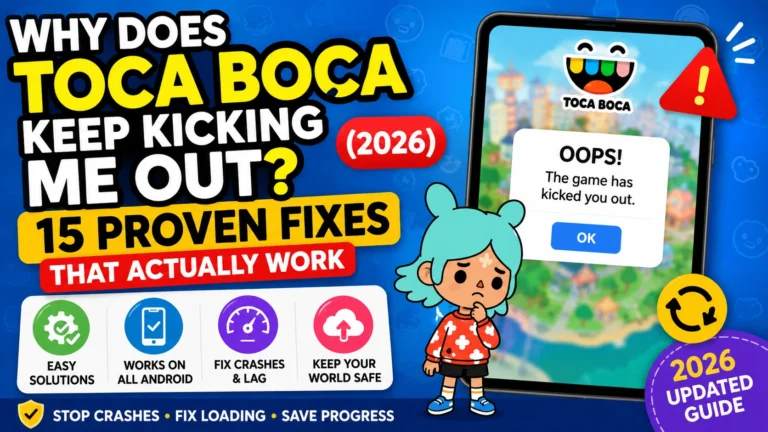
1. Game Keeps Crashing or Kicking You Out
This is the #1 complaint on Reddit and TikTok. The fix, though, is pretty simple:
- First, completely force close the app and restart your phone or tablet.
- For Android users, go to Settings, then Apps,
- find Toca Boca World, click Storage, and Clear Cache – but don’t clear data yet.
- On an iOS device, just offload the app or restart the device.
- Remember, always exit a location using the orange door icon before closing the game; that’s when the game saves your progress.
My experience: My son’s game used to crash every time he entered his big apartment build. Clearing cache + proper exit fixed it most times. One parent on Reddit said force closing from settings solved it after weeks of frustration.
2. Houses, Items, or Characters Disappearing
This one is heartbreaking.
Step-by-step fixes:
- Return to the main map and fully close the app.
- Reopen and check.
- Go to any shop → scroll down → tap Restore Purchases.
- Link your Toca account and enable cloud backup.
- As last resort: Use the red Reset button on the main menu (you’ll lose some progress but often recover items).
Many Reddit users report that restoring purchases after an update brings back missing items.
3. Black Screen, Loading Forever, or Freezing
- Free up at least 2 GB of storage.
- Update to the latest version (1.132.1 as of early June 2026 has several stability fixes).
- Lower graphics if possible.
- Reinstall the game but don’t delete your account data.
Official support notes that some loading issues are actually the game struggling with big builds, not true freezing.Tocaboca.helpshift
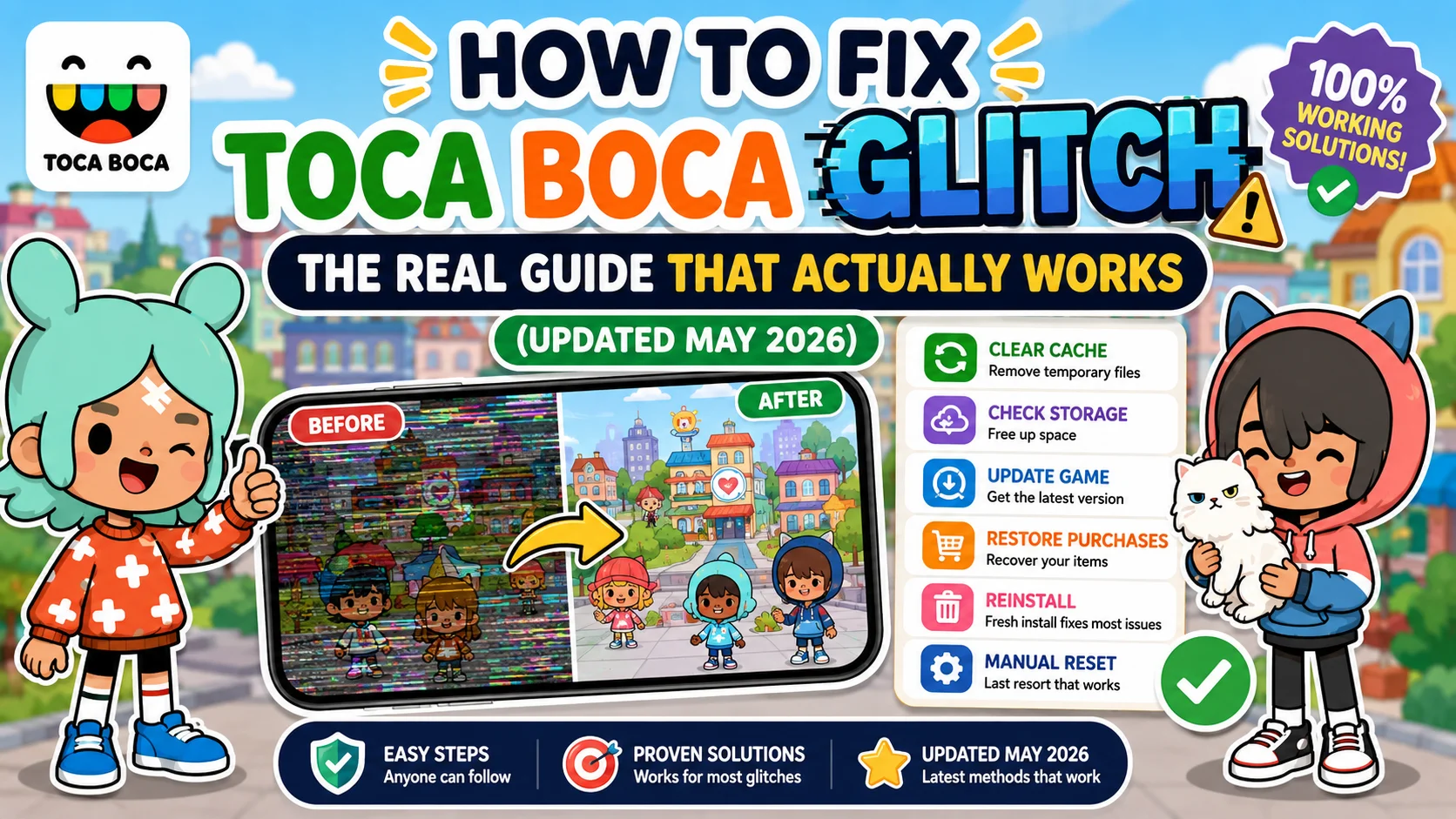
Full Step-by-Step Troubleshooting Guide
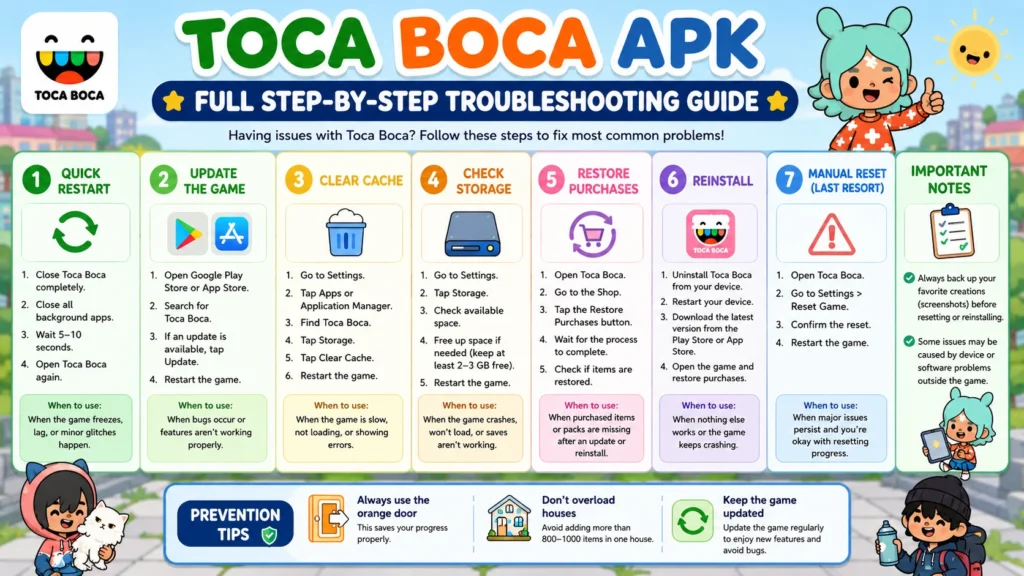
- Quick Restart
- Update the Game
- Clear Cache
- Check Storage
- Restore Purchases
- Reinstall
- Manual Reset (last resort)
Prevention Tips: Always use the orange door, don’t overload houses, keep the game updated.
Device-Specific Guides
Samsung Phones/Tablets (Android):
In Samsung devices, go to Settings > Apps > Toca Boca World > Storage, then clear the cache, but never clear data first. Many users see improvements by switching to Battery Saving or High Performance mode. Try to always use the official Google Play Store version.
iPad / iOS Devices:
- Older iPads (8th gen and below) struggle the most with big builds.
- Try Offload App instead of deleting (Settings > General > iPad Storage > Toca Boca > Offload App).
- Many parents on Reddit say iPadOS 18+ updates improved stability significantly.
Low-End / Budget Phones:
- These devices suffer the most. Keep graphics as low as possible.
- Play only one location at a time and avoid having 5+ custom houses open.
- Free up at least 2.5 GB of storage — this is critical on low-RAM devices.
10+ Real Reddit User Experiences
Here are real examples from r/tocaboca (2025–2026):
- “My custom apartment crashes every time I go to the top floor. iPad 9th gen.” → Fixed by removing 200+ items.
- “Houses disappeared after update 1.131. Restore Purchases worked instantly.”
- “Game keeps kicking me out after 10 minutes. Cleared cache and it stopped.”
- “Old iPad user here — black screen every time. Reinstall + restore fixed it.”
- “Mod APK user — crashes 5x more than official. Switched back and it’s much better.”
- “Lost everything after manual reset. Never doing that again.”
- “Freezing on low-end Android. Closing all background apps helped.”
- “Disappearing characters after weekly gift collection — official support said it’s a known bug.”
- “Toca Boca froze during Mother’s Day event update. Had to wait for patch.”
- “Been playing since 2024 — glitches got worse with bigger updates. Now I backup weekly.”
- “Restore Purchases saved my 8-month-old build. Thank you Reddit!”
Detailed Prevention Checklist
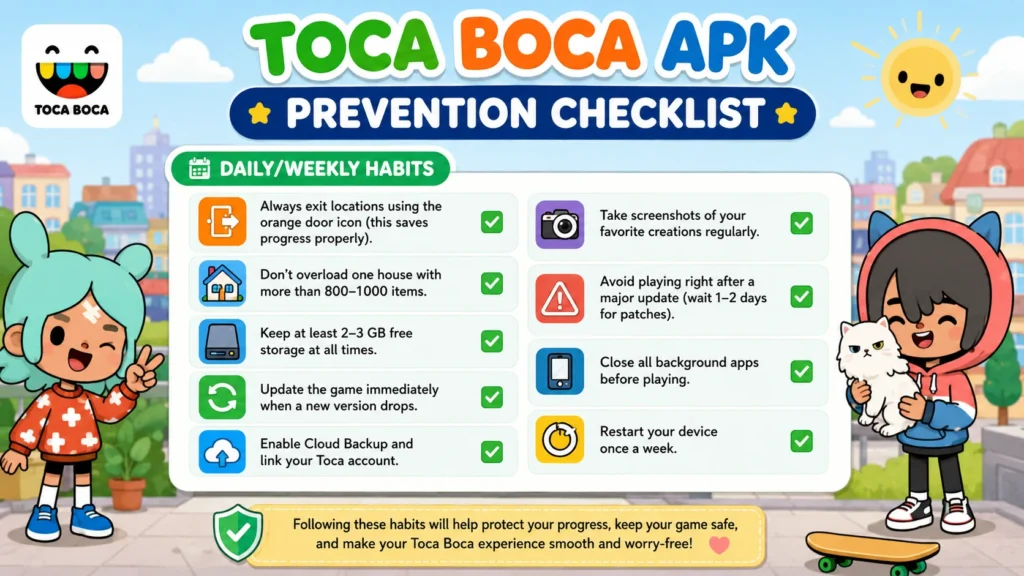
Daily/Weekly Habits:
- Always exit locations using the orange door icon (this saves progress properly).
- Don’t overload one house with more than 800–1000 items.
- Keep at least 2–3 GB free storage at all times.
- Update the game immediately when a new version drops.
- Enable Cloud Backup and link your Toca account.
- Take screenshots of your favorite creations regularly.
- Avoid playing right after a major update (wait 1–2 days for patches).
- Close all background apps before playing.
- Restart your device once a week.
Official vs Modded APK Glitches – Honest Comparison
| Aspect | Official Version | Modded APK Version |
|---|---|---|
| Stability | Much more stable | Significantly more crashes |
| Updates & Bug Fixes | Regular official patches | Rarely updated, bugs stay longer |
| Lost Progress | Easier to recover | Very hard to recover |
| Safety | Safe | Risk of malware & data theft |
| Performance | Better on most devices | Heavier and more lag |
| Support | Official support availabl | No support |
My honest advice: Modded versions may give you everything unlocked, but they come with way more frustration. Many parents on Reddit switched back to official after losing months of progress.
10 Most Asked FAQs About Toca Boca Glitches
/
Final Thoughts from a Real Mom
Dealing with Toca Boca glitches, It can be super frustrating, especially when a child gets attached to their construction tasks, like when they build something and then it glitches. Most things can be fixed by just being patient and following directions properly.
I have been able to save many of my son’s favorite builds with these steps. If you have a problem that’s not addressed here, please let me know in the comments and let me know how you feel about the issue and your device, and I will try to assist you based on what I have seen work for others.